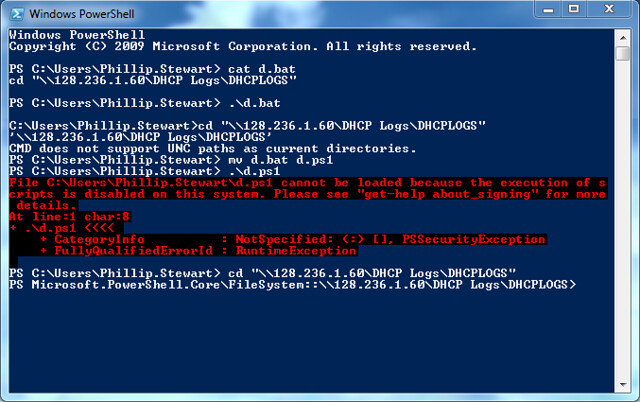
As part of my job, I use a lot of PowerShell. Turns out Windows loves PowerShell. Did you guess that? I never really considered how useful PowerShell is because my coding experience is really system agnostic. I taught Java while in College and I frequently switched my operating system between Windows and a (GNU/)Linux distribution, often Ubuntu. (Sue me, it does well enough and I’m not yet a power user of Linux). I do have limited experience making a Powershell profile for when I run the most simple commands or programs in the PowerShell console. But that is using someone’s tool to do so.
So how useful is PowerShell? Well consider how much you can do simply from the linux command line. Everything right? Well PowerShell is strikingly similar, minus the origin predating the GUI of the operating system it was originally designed for or even the operating system itself. It can call all the same commands that Command Prompt (The OG Windows command line tool) can call because they’re just small executables in the System32 folder. And it has a highly extensible set of modules that you can use to make any set of commands and functions to call at any time while the script exists in the Module Path. (Notably, this article is not a tutorial on PowerShell as I am not an expert and this is mostly some personal thoughts shared with people).
Module Path? Remember PowerShell is a scripted language. Meaning any ‘code’ you write is interpreted from the English every time it is run. But what about running as fast as possible? Performance is generally not considered when running a script. Do you really make your bash scripts worse to get milliseconds? Do you even write bash scripts? Bash bad If you’re me, the answer is almost definitely not. The only time you may ever care is when n is large such that you actually experience the effects of your terrible programming skills. (Funny enough 50k files on a NAS does strain small VMs in ESXi. Though that might be poor design by someone else.) Is that going to be common? No. Not even close. Therefore, you don’t need to worry.
Now the star of the show, Active Directory (Cue ominous music). Powershell has modules that interact with an Active directory and make your life easier. Which is excellent. How many businesses of any size use Active Directory? Answer is close to all of them to recent memory which uses Windows to any sort of extent. While they may not manage an Active Directory directly, choosing to use products like Okta instead, PowerShell has many, many tools to let you automate your management of Active Directory such that as number of users grows, your workload doesn’t. It is wonderful.
Anyway, I’ve rambled on about how I actually am genuinely enjoying writing scripts for and using PowerShell. Use Windows? Look for ways you can use PowerShell to make your life easier. I promise it’s a rabbit hole you might enjoy if you spent lots of time around Tech.